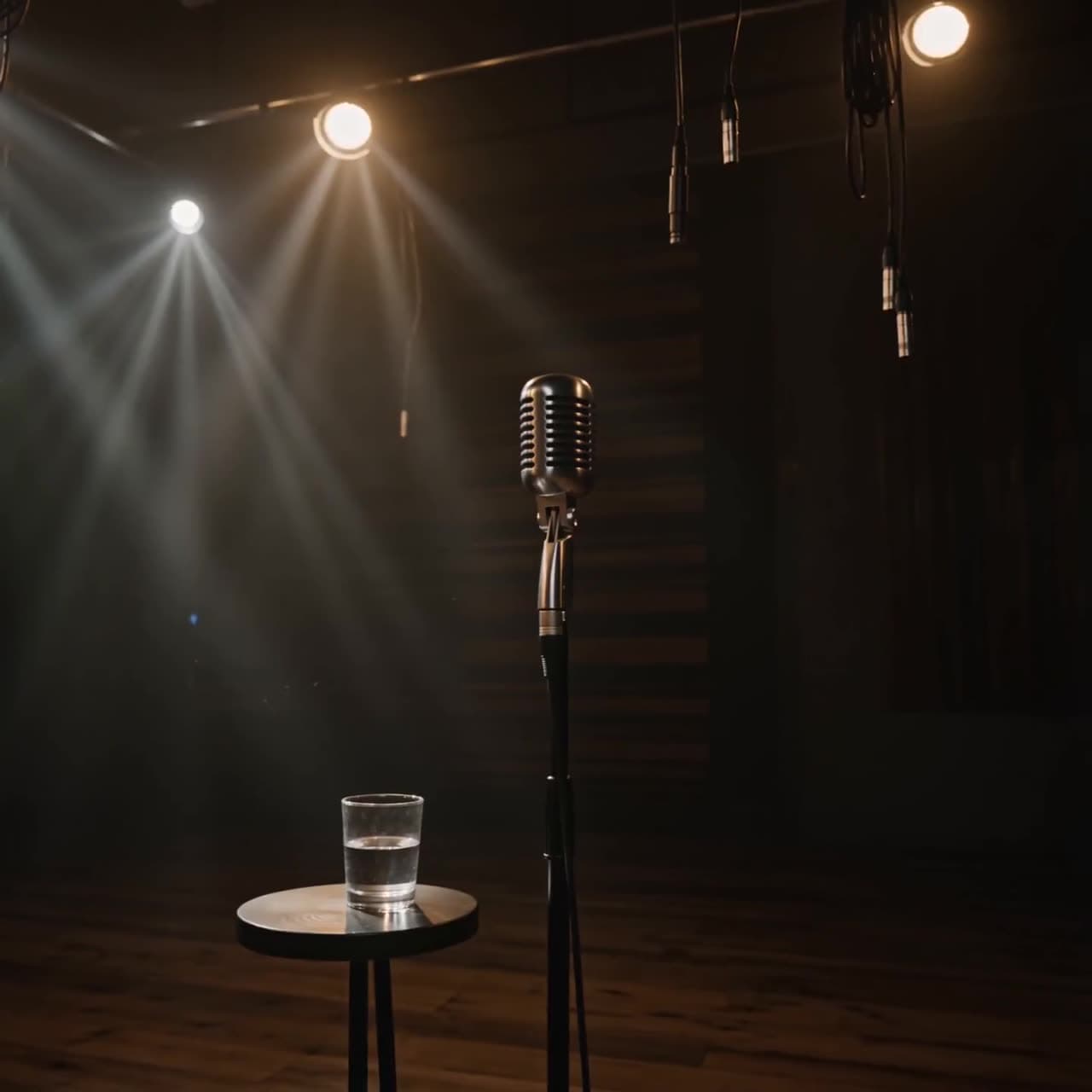
AI Video Examples: 5 Cinematic Shots and How to Prompt Each One
Real AI video examples — a cinematic aerial, a character close-up, a speed shot, and more — each with the prompt and the model behind it. See what AI video actually looks like in 2026.
Chinmay Goyal
Co-founder & CTO, Buckshot Studios
The fastest way to understand what AI video can do in 2026 is to watch it. Below are five real shots — an aerial fly-through, a golden-hour beauty shot, a character close-up, a speed pass, and a multi-person scene — each one a genuine generation from a top model, with the prompt that describes it and the model that made it. Every clip on this page autoplays silently; the line under each is the kind of direction that produces it.
These aren't cherry-picked one-offs. They're the everyday output of the models Bucksy orchestrates — and the point of this post is to show that "AI video" isn't a single look. It's a toolbox of shot types, each with a model that's best at it.
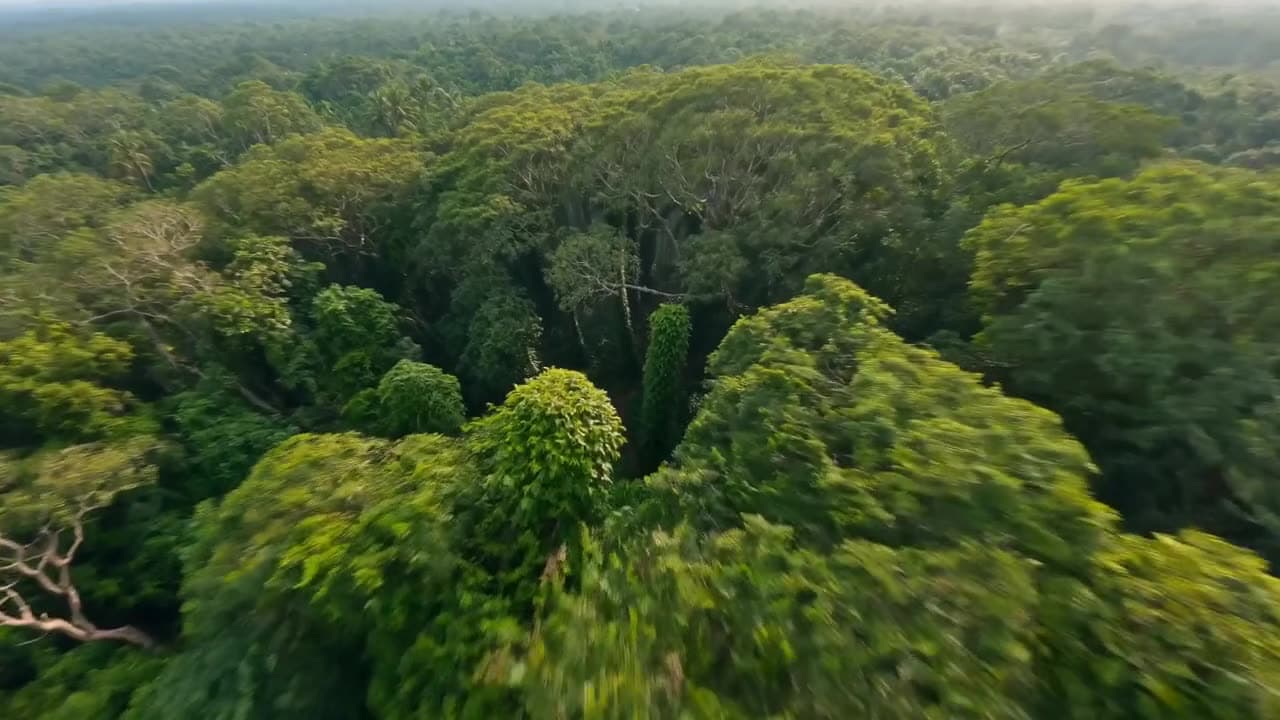
1. The establishing aerial
Every piece needs a shot that sets the scene. Aerials read as "production value" instantly, and models are strong at them because there's no face or hand to get wrong — just landscape and motion. The craft is in the movement: a low, fast fly-through feels alive where a slow drift feels like a screensaver.
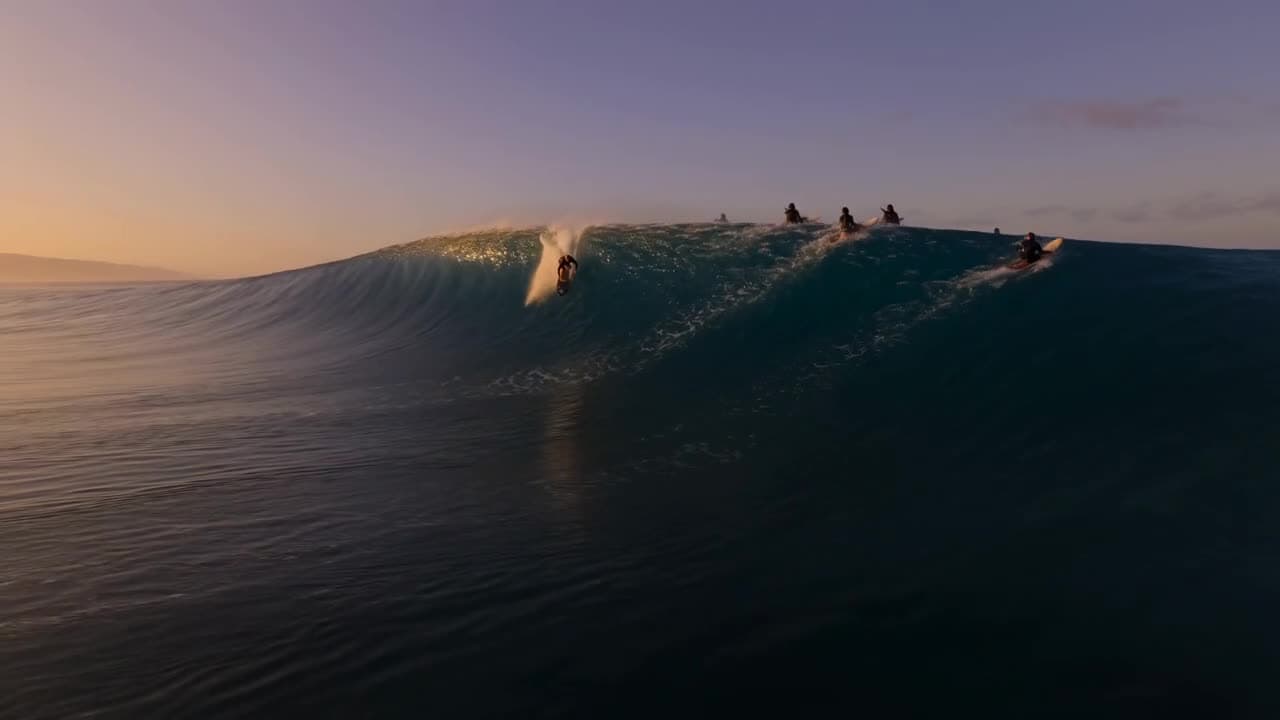
2. The golden-hour beauty shot
Right after the establisher, you want a shot that simply looks gorgeous. Magic-hour light, a long lens, and slow motion do most of the work — and because there's no face or hand to get exactly right, models nail these. It's the shot that buys you goodwill in the first two seconds.
3. The character close-up
This is the hard one — and the most useful. A believable face, holding a consistent identity and a real emotion, is what turns a clip into a story. Start from a locked reference so the same person shows up every shot, keep the framing tight, and let one clear emotion carry it.
Identity-critical shots like this are where image-to-video earns its keep: generate the face exactly right as a still first, then animate from it.
4. The speed shot
Motion blur, a low angle, and a fast camera move sell energy. Speed shots are forgiving — the blur hides the detail a slower shot would expose — so they're a great way to add adrenaline to an edit without fighting the model for perfection.
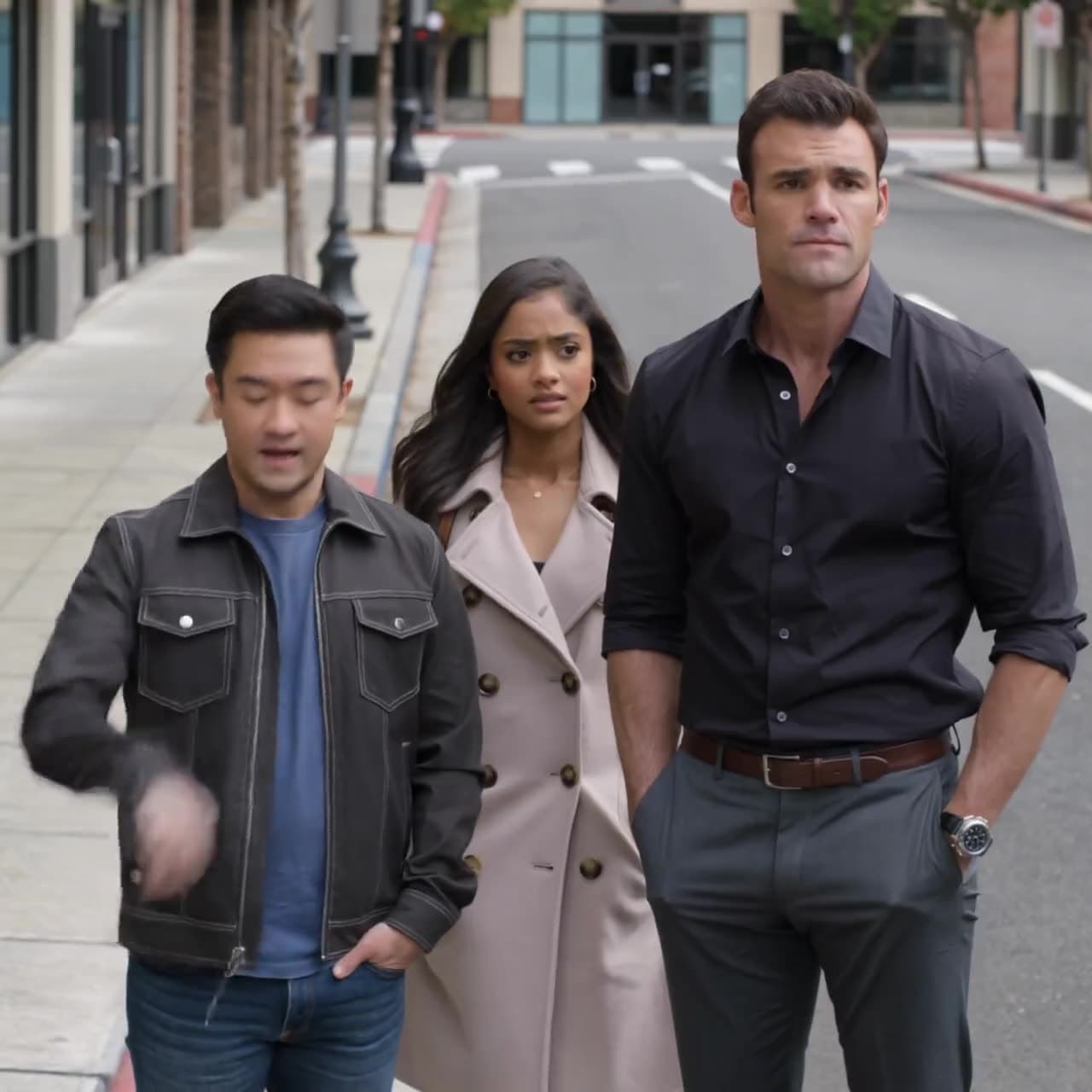
5. The ensemble scene
More than one person in frame is a consistency test — everybody has to stay themselves across the shot. This is where a model's grasp of a coherent scene matters, and where locking each character up front pays off.
It's not only video
The same chat that makes these shots also makes the stills you build them from — keyframes, product shots, stylized art — and the audio that finishes them: voiceover, music, and sound effects. Here are two images from the same workflow.
How to make shots like these
You don't need to memorise which model wins which shot, or how to phrase a prompt. The practical workflow in 2026 is to describe the piece you want and let an agent do the matching: it writes the shot-by-shot prompts, picks Seedance for the fast multi-shot sequence and Kling for the character close-up, generates the audio, and assembles the result. If you want the full method behind every shot above, read how to make AI videos end to end.
The six shots here took plain-English descriptions, not technical prompts. That's the whole idea: the craft is knowing what shot you want — the agent handles the rest.
Chinmay Goyal
Co-founder & CTO, Buckshot Studios
Chinmay builds the agent and model-orchestration stack behind Bucksy. He writes about the craft of AI video — prompting, picking the right model per shot, and keeping characters consistent across an entire piece.
Make it with Bucksy
Describe what you want. Bucksy plans the shots, writes the prompts, picks the model, and returns a finished piece — image, video, and audio from one chat.