How to Make a Video Ad With AI Without Filming Anything
Turn a product photo or a URL into a finished video ad — script, UGC-style shots, voiceover, and music — in one chat, with no camera, no crew, and no creator contracts.
Kunal Singh
Co-founder & CEO, Buckshot Studios
You can make a video ad with AI from nothing but a product photo: you describe the product and the angle, an AI agent writes a short script, generates UGC-style shots of the product in use, adds a voiceover and music, and assembles it into a finished ad — no camera, no crew, no creator to book. The whole thing happens in one chat instead of across a camera, an editor, and three subscriptions.
This is the single highest-leverage use of AI video for anyone selling something, so it's worth doing well rather than fast-and-sloppy. Here's the actual workflow, what's realistic, and what to watch for.
Start from the product, not a blank prompt
A good ad is about a specific product, so the workflow starts by getting that product into the tool precisely — not describing it and hoping.
- From a photo: upload a clean product shot. If you don't have one, generate it first — see AI product photography for turning a phone snap into a studio-grade image.
- From a URL: paste your product or store link and let Bucksy pull the product in directly, so the ad is built around your real item.
Starting from a real image (image-to-video) rather than a text description is what keeps your product looking like your product across every shot, instead of a generic look-alike that shifts frame to frame.
The five-step workflow
Once the product is in, a video ad is five steps. By hand that's five tools; with an agent it's one conversation.
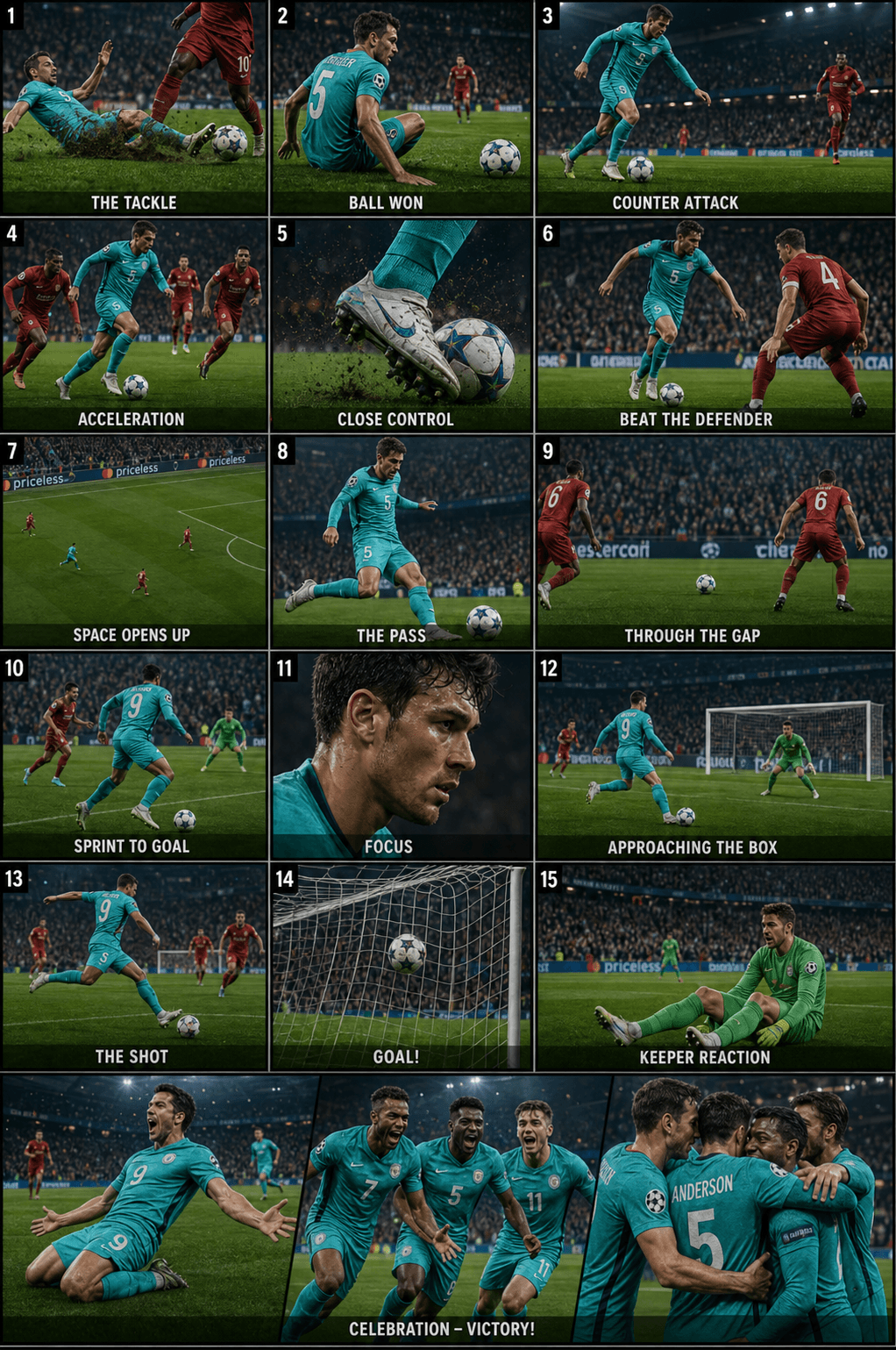
- Script. A 15–30 second ad needs a hook, one or two benefit beats, and a call to action. Describe your angle ("problem/solution," "unboxing," "before/after") and let the agent draft the script — or write it yourself and hand it over.
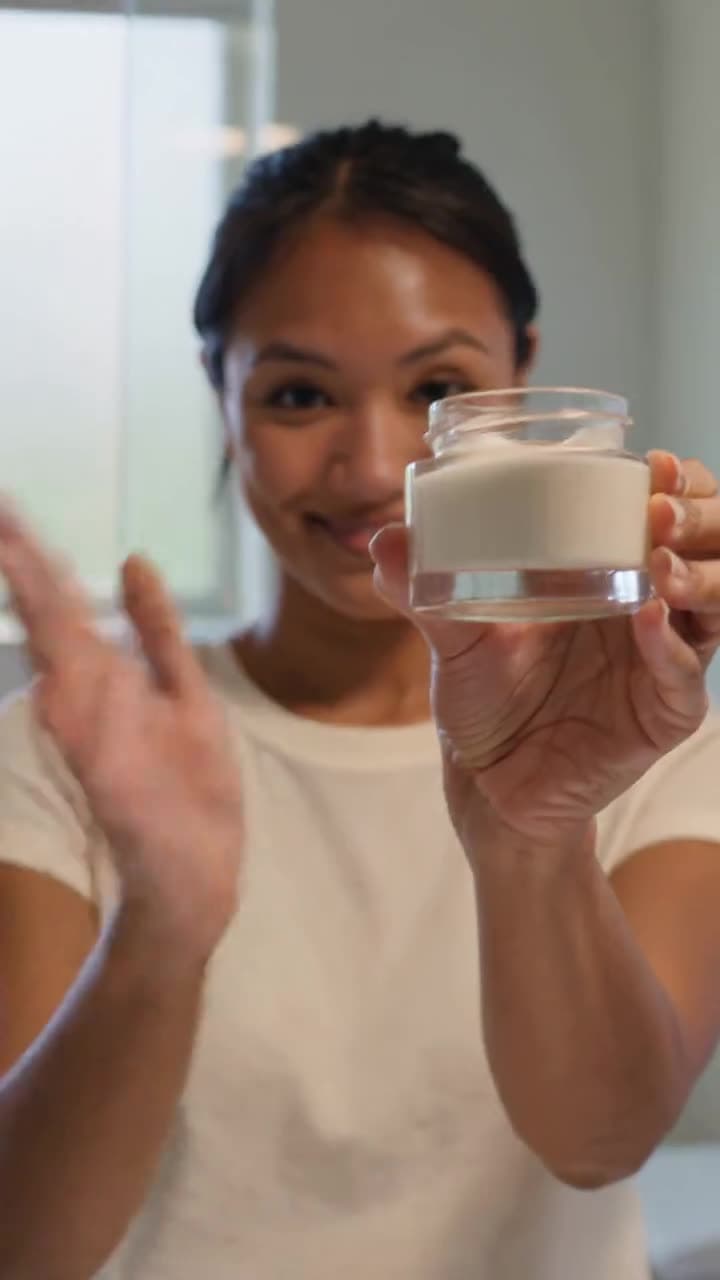
- Shots. The script becomes a shot list: the product in use, a reaction, a detail close-up, the logo. UGC-style ads lean on handheld, casual framing — see UGC ads for what makes them convert.
- Voiceover. Add narration in a single, consistent voice — the energetic creator read, or a calm explainer. One locked voice across the whole ad keeps it cohesive.
- Music. A track that matches the pace. Punchy for a hook-driven social ad, warm for a lifestyle brand.
- Assemble and export. Order the shots to the beat, lay in the voice and music, and export in the aspect ratio your channel wants (9:16 for Reels and TikTok, 1:1 or 4:5 for feed).
Why this beats the traditional UGC route
The reason "AI ad without filming" is such a popular search isn't novelty — it's economics. The traditional path to a single UGC ad is: brief a creator, ship them the product, wait, get footage, and edit it. Here's the honest comparison.
| Traditional UGC | AI agent workflow | |
|---|---|---|
| Time to first ad | Days to weeks | Minutes to hours |
| Cost per concept | Creator fee + product + shipping | A handful of credits |
| Filming | Camera, lighting, a person | None |
| Variations | Re-shoot or re-edit | Regenerate on request |
| Revisions | Another round-trip | Ask and re-render |
The big unlock isn't one cheaper ad — it's volume. When a new concept costs minutes instead of a shoot, you stop guessing which idea works and start testing ten. That's the real reason to make ads this way; for the dedicated workflow, see the AI ad maker.
Keep it believable
AI ads fail when they look like AI. A few habits keep them grounded:
- Lock the product look first. Start from a real image so the item is identical in every shot. (More on beating drift in our end-to-end AI video guide.)
- Keep shots short. Two to three seconds each. Longer shots give artifacts more time to show.
- Match the platform's native feel. Feed ads that look handheld and casual outperform glossy ones. Don't over-polish.
- Sweat the audio. A clean voiceover and the right track do more for "is this real" than another second of footage.
Frequently asked questions
Can I really make a video ad without filming anything? Yes — from a product image or URL plus a short brief, an agent can generate the shots, voice, and music and assemble a finished ad. You'll still direct it (approve the look, pick the takes), but you won't pick up a camera.
Are AI-generated ads allowed on Meta and TikTok? Platforms generally allow AI-assisted creative, but their rules evolve and several now ask you to disclose AI-generated or "synthetic" content in certain cases. Always check the current advertising and synthetic-media policies for the platform you're running on before you publish — treat this as a "verify for your account," not legal advice.
Can I use the videos commercially? You generate the assets through the tool, but commercial use depends on the terms you create under and on the rights to anything you upload (logos, brand assets, people). Review the applicable terms and make sure you have the rights to your inputs before running an ad.
How much does it cost? Far less than a shoot — generations are priced in credits rather than creator fees and production days. See pricing for current plans, available in USD and INR.
How do I get started? Open Bucksy, paste your product URL or upload a photo, and describe the ad you want. It'll draft the script, generate the shots, and assemble a first cut you can refine — then make as many variations as you want to test.
Kunal Singh
Co-founder & CEO, Buckshot Studios
Kunal leads Buckshot Studios. He writes about using AI to produce advertising and brand content faster and cheaper — turning a product and a brief into finished video without a film crew.
Make it with Bucksy
Describe what you want. Bucksy plans the shots, writes the prompts, picks the model, and returns a finished piece — image, video, and audio from one chat.