How to Make UGC Ads With AI: The 2026 Playbook
UGC ads are among the highest-converting formats in performance marketing — and AI now makes them without a creator, a camera, or a shoot. Here is the full playbook: workflow, formats, testing, and staying authentic.
Kunal Singh
Co-founder & CEO, Buckshot Studios
UGC — user-generated-style content — is the workhorse of modern performance marketing. The casual, creator-shot ad outperforms the glossy brand film on almost every platform because it doesn't look like an ad. The catch has always been making enough of it: briefing creators, shipping product, waiting, paying per video. AI removes that bottleneck — you can now produce creator-style ads without a creator, a camera, or a shoot, and make ten versions in the time one used to take.
This is the full playbook: the workflow, the formats that convert, how to test at volume, and how to keep it from looking like AI.
What UGC ads are (and why they convert)
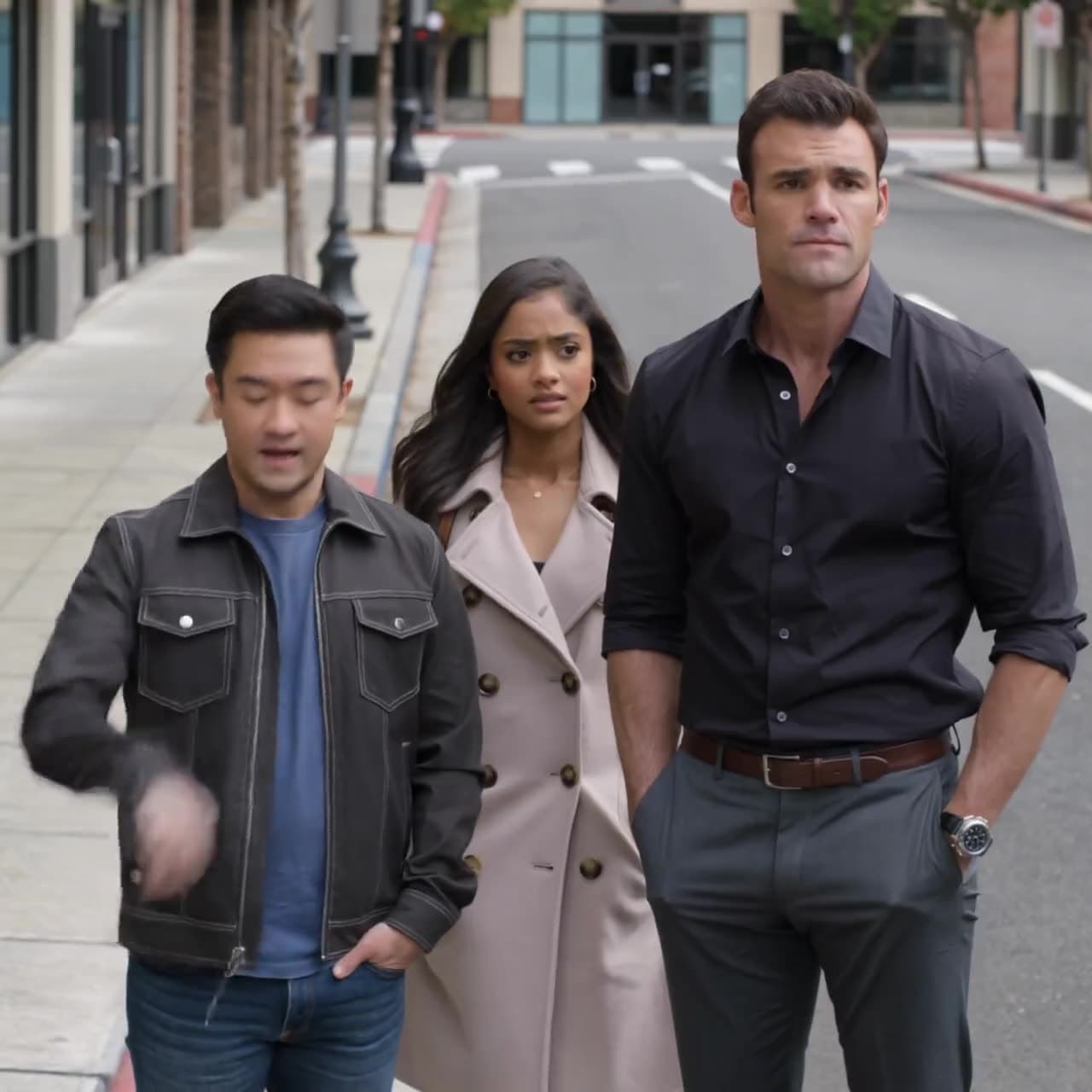
A UGC ad looks like something a real customer filmed on their phone: handheld, casual, shot in a real room, talking straight to camera. It works because it bypasses the viewer's ad filter — it reads as a recommendation, not a commercial. On TikTok, Reels, and Shorts, that native feel is the single biggest predictor of whether someone watches past the first second.
The implication for AI: the goal isn't a polished ad, it's a believable one. Over-produce it and you lose the very thing that makes UGC work.
The AI UGC workflow, in brief
It's the end-to-end AI video workflow tuned for ads: get your product in exactly right (upload a clean shot or paste your store URL — no image yet? start with AI product photography), write a 15–30s hook → value → CTA script, generate short creator-style shots, add a natural conversational voiceover, and export vertical variations. The full step-by-step — with no creator and no camera — is in how to make a video ad without filming; the dedicated AI ad maker and UGC ads workflows run it for you.
The rest of this playbook is the part that actually moves numbers: the formats, the testing, and staying authentic.
Ad formats that convert
UGC comes in a handful of proven shapes — unboxing, problem/solution, testimonial, before/after, demo, founder story, and trend-jack. Each maps to a simple AI recipe, and most winning accounts run several against one product and let the data decide which to scale. We break down all seven, with how to make each one, in 7 AI video ad formats that convert.
How to test at volume
This is where AI changes the game. With human UGC, every variation is a new shoot, so you test maybe two or three ideas. With AI, a variation costs minutes — so the strategy flips from pick the best idea to test ten and scale the winner.
- Vary the hook, hold the rest. The first two seconds decide everything; make five openings for the same ad.
- Vary the format. Run an unboxing, a testimonial, and a problem/solution on one product.
- Vary the creator. Different age, vibe, setting — see which resonates with the audience.
Generate the batch, push them live, and let cost-per-result sort them. You learn in a week what used to take a quarter.
Keeping it authentic
The fastest way to kill a UGC ad is to make it look like AI. A few rules:
- Don't over-polish. Slightly imperfect framing and lighting read as real. Glossy reads as an ad.
- Lock the product look. Start from a real product image so it's exactly itself in every shot — the same discipline that keeps characters consistent.
- Sweat the voice. A natural, conversational voiceover does more for believability than another second of footage.
- Keep shots short. Two to three seconds each — long shots give artifacts time to show.
A note on platform rules
Platforms generally allow AI-assisted creative, but several now ask you to disclose AI-generated or "synthetic" content in some cases, and the rules keep changing. Before you run anything, check the current advertising and synthetic-media policies for the platform you're on — treat this as "verify for your account," not legal advice.
Frequently asked questions
What is a UGC ad? An ad made to look like authentic, creator-shot content — casual, handheld, straight-to-camera — rather than a polished brand commercial. It converts because it doesn't read as advertising.
Can AI really replace UGC creators? For many ads, yes — AI can generate creator-style footage from a product image without booking anyone. Real creators still matter for some brands, but AI removes the bottleneck for testing volume.
How many ad variations should I make? As many hooks as you can — the first two seconds drive most of the result. Five to ten variations per product is a reasonable starting batch.
How do I start? Open Bucksy, add your product image or URL, and describe the ad. It'll draft the script, generate creator-style shots, add a voiceover, and give you variations to test.
Kunal Singh
Co-founder & CEO, Buckshot Studios
Kunal leads Buckshot Studios. He writes about using AI to produce advertising and brand content faster and cheaper — turning a product and a brief into finished video without a film crew.
Make it with Bucksy
Describe what you want. Bucksy plans the shots, writes the prompts, picks the model, and returns a finished piece — image, video, and audio from one chat.