How to Write AI Video Prompts That Actually Work
A good AI video prompt has structure: shot type, subject, action, camera, lighting, mood. Here is the formula, copy-paste examples by shot type, and the shortcut when you would rather not write prompts at all.
Chinmay Goyal
Co-founder & CTO, Buckshot Studios
Most disappointing AI video traces back to a vague prompt. "A man walking in a city" gives the model almost nothing to work with, so it fills the gaps however it likes and you get a generic, soft result. A good prompt removes the guesswork: it names the shot type, the subject, the action, the camera move, and the light. Get the structure right and the model does what you imagined.
Here's the formula, copy-paste examples by shot type, and — because prompting is a skill you can also just delegate — the shortcut.
The anatomy of a prompt
Think of a prompt as a shot list for a single shot. The strongest ones answer six questions, in roughly this order:
| Part | What it sets | Example |
|---|---|---|
| Shot type | Framing & distance | "Cinematic close-up" |
| Subject | Who or what | "a young woman in a red raincoat" |
| Action | What happens | "turning to look over her shoulder" |
| Camera | The move | "slow push-in" |
| Lens / depth | The optics | "85mm, shallow depth of field" |
| Light / mood | The feel | "rain-soaked neon at night" |
Put together:
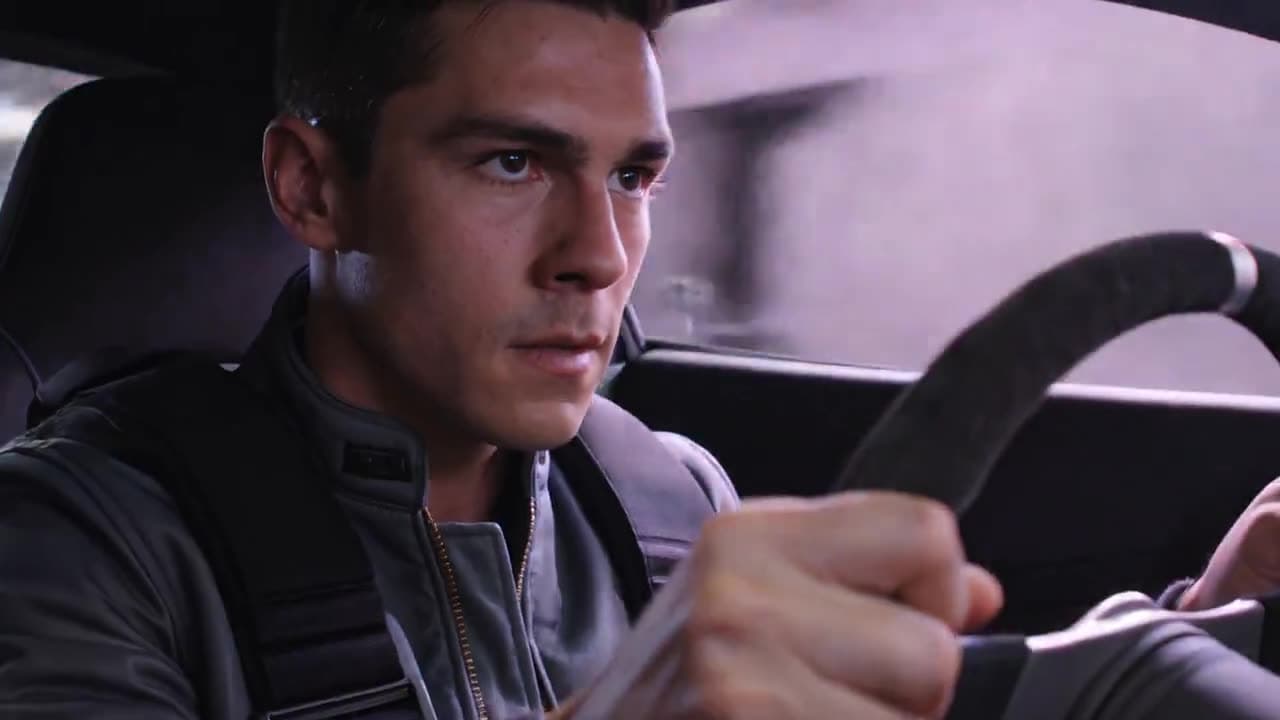
Cinematic close-up of a young woman in a red raincoat turning to look over her shoulder, slow push-in, 85mm shallow depth of field, rain-soaked neon at night.
Structured prompt
That single sentence gives the model a shot type, a specific subject, one clear action, a camera move, an optical feel, and a mood. Compare it to "a woman in the rain" and you can see why one looks directed and the other looks generated.
Copy-paste prompts by shot type
Use these as templates — swap the subject and keep the structure.
Establishing shot
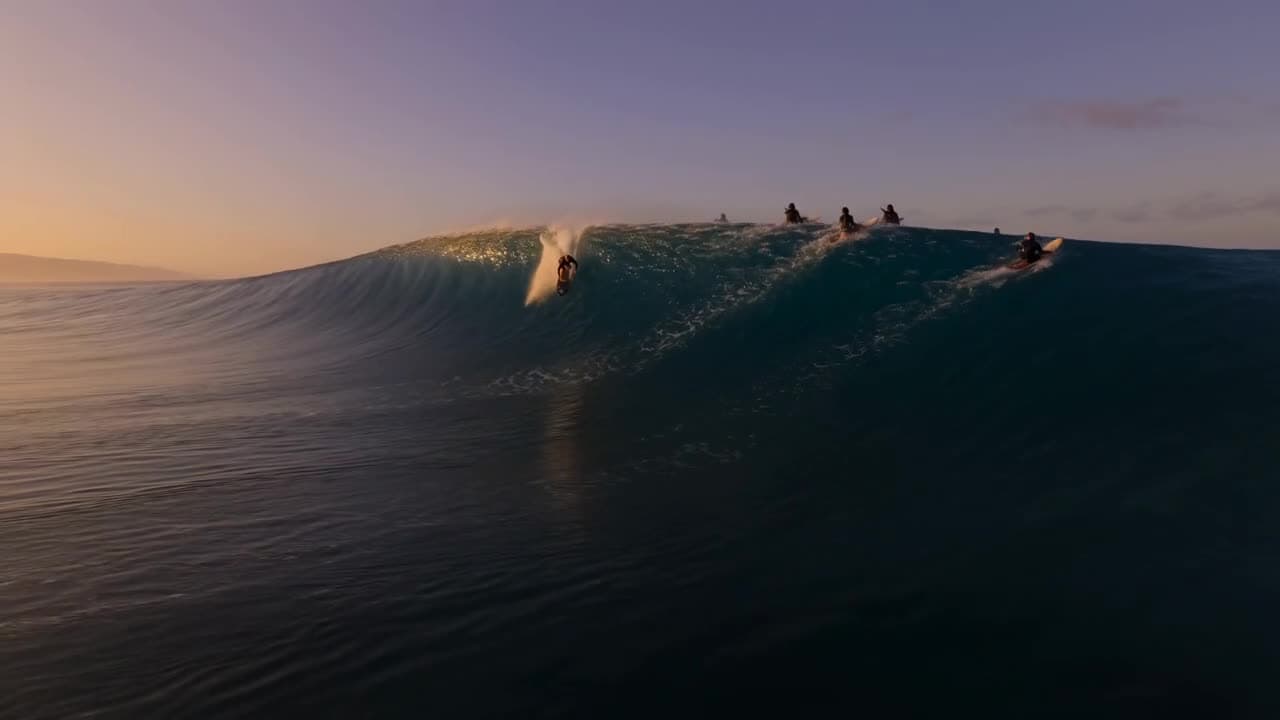
Wide aerial drone shot flying low over [location] at [time of day], fast forward motion, soft haze, cinematic, anamorphic.
Character close-up
Cinematic close-up of [character], [one emotion/action], slow push-in, 85mm shallow depth of field, [lighting].
Product shot
Studio product shot of [product] rotating slowly on a [surface], soft key light from the left, glossy reflections, shallow depth of field, macro detail.
Speed / action
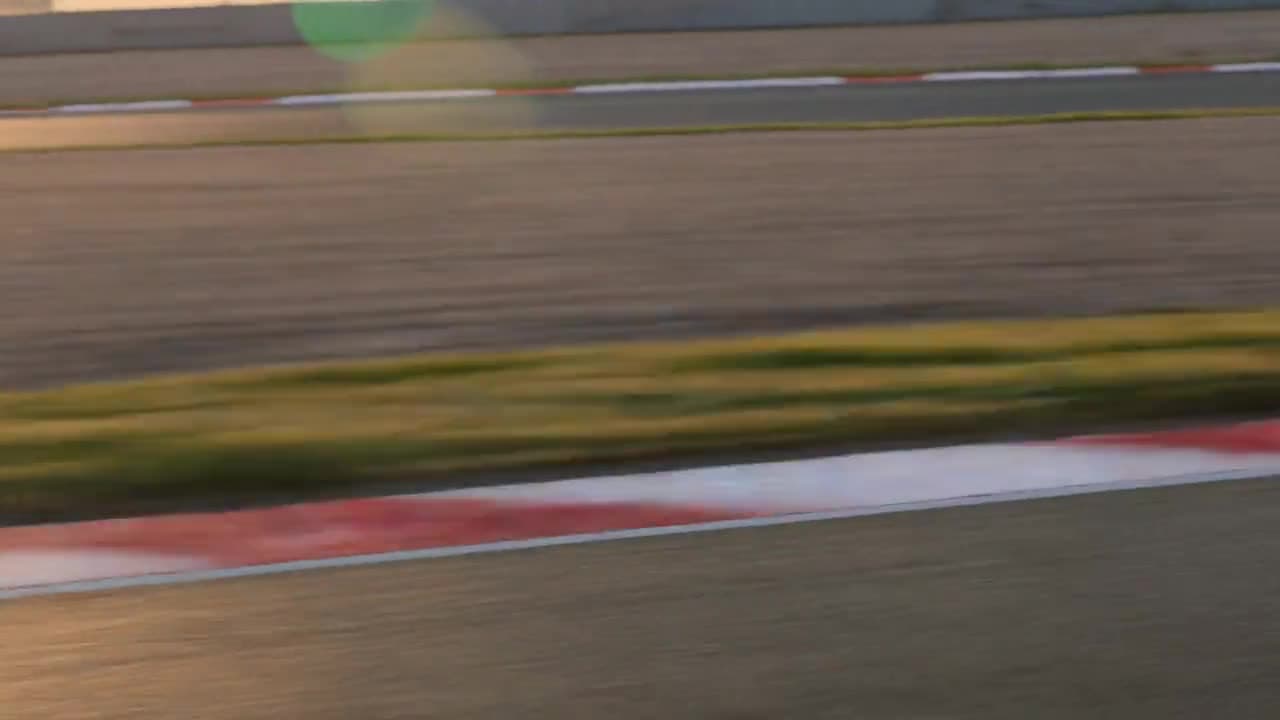
Low tracking shot racing alongside [subject], heavy motion blur, lens flare, high speed, golden-hour backlight.
Common prompt mistakes
- Too vague. "A nice video of a dog" — name the shot, the action, the light.
- Too much in one shot. A prompt is one shot, not a whole scene. Break a story into shots, then prompt each.
- No camera direction. The camera move is half of what makes a shot feel cinematic. Always specify it.
- Fighting the model on identity. For a specific person or product, don't describe it — start from an image (image-to-video), which also keeps it consistent.
- Ignoring the model's strengths. Match the shot to the model — see the model roster.
Or just describe it
Here's the honest part: you can learn this formula, or you can skip it. Prompting well is a real skill — and it's also exactly the kind of thing an agent is good at. Tell Bucksy what you want in plain English ("a moody close-up of my founder, rain outside the window") and it expands that into a structured, shot-by-shot prompt, picks the model, and generates it. The formula above is what it's doing under the hood — useful to understand, optional to write yourself.
For the full workflow, read how to make AI videos end to end.
Frequently asked questions
What makes a good AI video prompt? Structure: a shot type, a specific subject, one clear action, a camera move, and the lighting. Vague prompts give vague results.
How long should a prompt be? One or two sentences per shot — enough to cover the six parts above without rambling. Detail beats length.
Do longer prompts always work better? No. Specific beats long. A focused sentence with a clear camera move and light outperforms a paragraph of adjectives.
Can AI write the prompt for me? Yes — describe the shot in plain English and let Bucksy write the structured prompt and pick the model.
Chinmay Goyal
Co-founder & CTO, Buckshot Studios
Chinmay builds the agent and model-orchestration stack behind Bucksy. He writes about the craft of AI video — prompting, picking the right model per shot, and keeping characters consistent across an entire piece.
Make it with Bucksy
Describe what you want. Bucksy plans the shots, writes the prompts, picks the model, and returns a finished piece — image, video, and audio from one chat.