Image-to-Video vs Text-to-Video: Which Should You Use?
Text-to-video turns a prompt into a clip; image-to-video animates an exact image you already have. Here is when each one wins — and why the best workflow uses both, picking per shot.
Chinmay Goyal
Co-founder & CTO, Buckshot Studios
The short answer: use text-to-video when you're inventing a shot from scratch and the exact subject doesn't matter, and image-to-video when the subject has to be precise — your product, your character, your logo. Text-to-video gives you range and speed; image-to-video gives you control. The best workflow doesn't pick one — it uses both, per shot.
Here's how to decide.
What text-to-video is good at
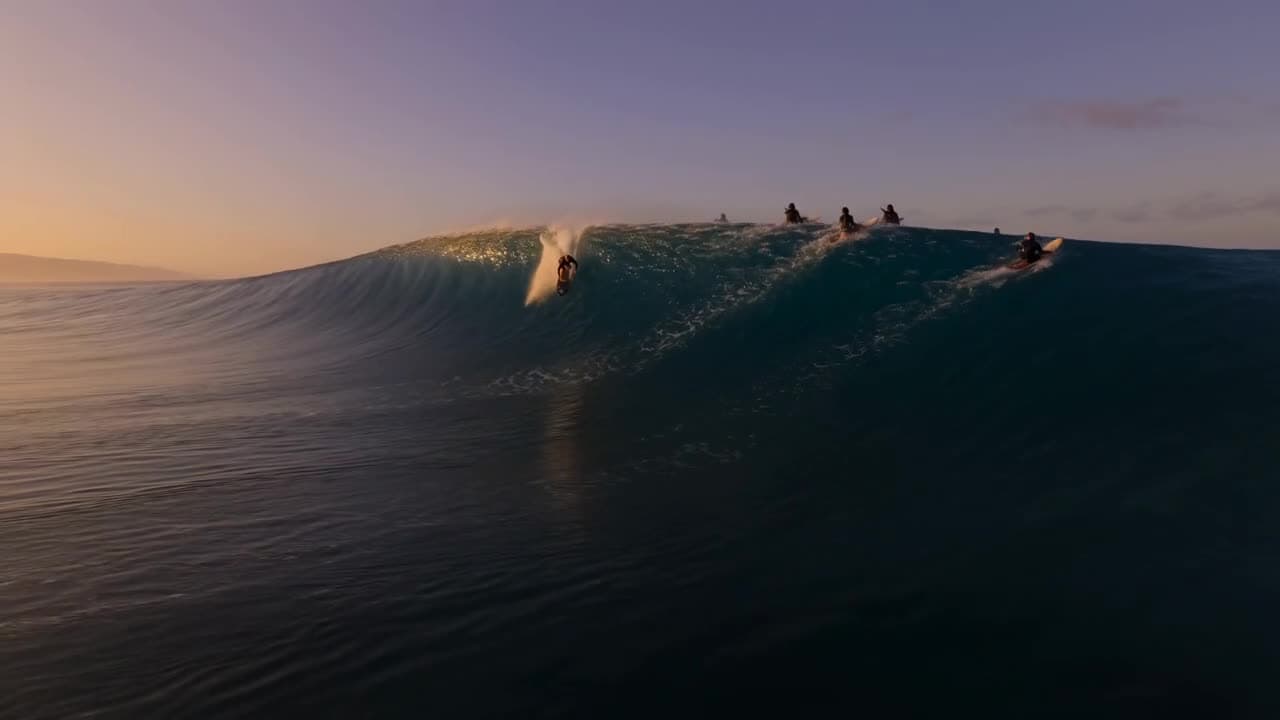
You describe a shot in words and the model generates it. It's the fastest way to explore — you can try ten different establishing shots in the time it takes to set up one image. It shines when the idea matters more than the exact subject: a sweeping landscape, an abstract concept, a mood. Veo 3.1 leads here on prompt adherence and cinematic quality. (Compare Veo and Kling.)
The tradeoff: a prompt describes a category, not a thing. "A red sports car" gives you a red sports car — not your product. For establishing shots, that's fine. For your hero subject, it isn't.
What image-to-video is good at
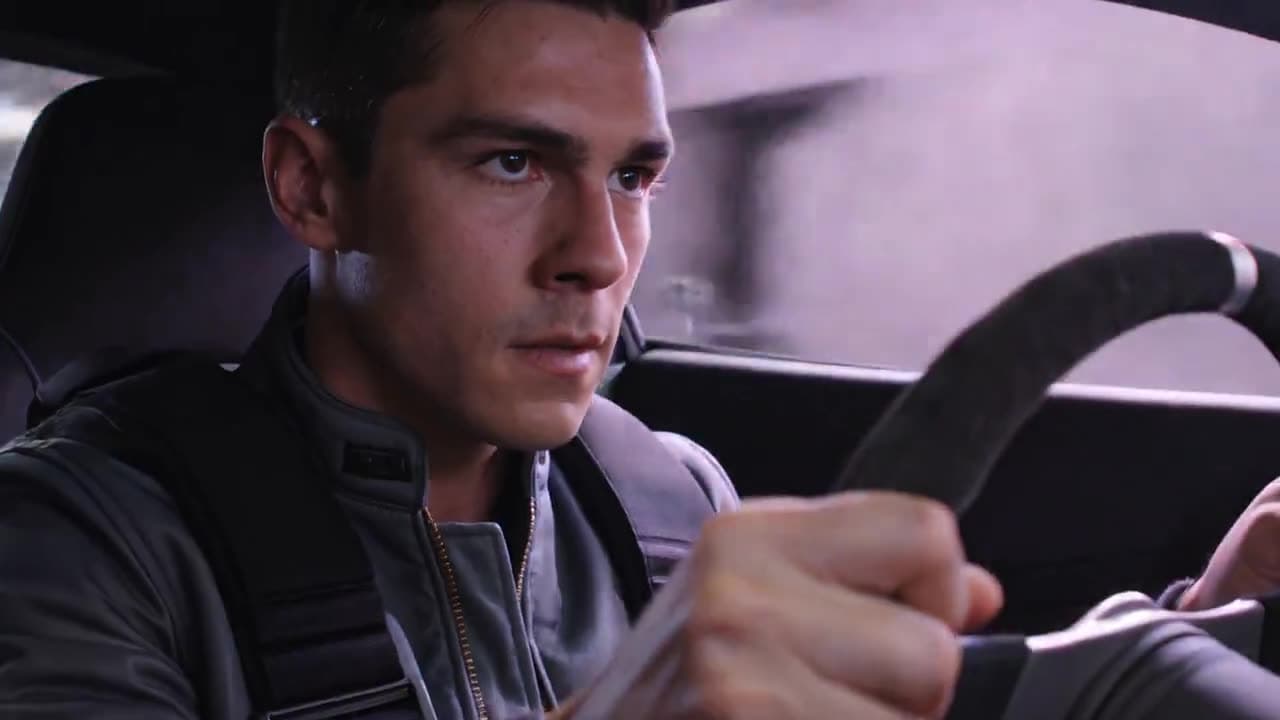
You hand the model an exact starting frame and it animates from there. It's the difference between describing your product and showing it. Anything that has to be precise — a recognisable face, a specific product, a brand asset — should start from a locked image, not a text description. That's how you keep a character consistent across an entire piece. Kling and Seedance are strong image-to-video models; for the stills you animate, see AI product photography.
Side by side
| Text-to-video | Image-to-video | |
|---|---|---|
| You provide | A written prompt | An exact starting image |
| Best for | Establishing & concept shots | Product, character, brand shots |
| Subject control | Low — the model invents it | High — it's the image you gave |
| Speed to explore | Fast | Slower (you make the image first) |
| Consistency across shots | Hard | Strong (shared reference) |
When to use which
- Inventing a landscape, a crowd, an abstract opener → text-to-video.
- Your product, on a shelf, turning under studio light → image-to-video (start from a clean product shot).
- A recurring character who must look the same every shot → image-to-video from a locked reference.
- A quick mood test or a throwaway B-roll idea → text-to-video.
You don't have to choose
In practice, a finished piece mixes both: text-to-video for the establishers, image-to-video for the identity-critical shots. The skill is matching the method to each shot — and that's exactly the kind of decision an agent can make for you. Describe the piece to Bucksy and it picks the approach (and the model) per shot: text-to-video where it's inventing, image-to-video where your product or character has to be exact. You direct; it routes.
For the whole workflow this fits into, read how to make AI videos end to end.
Frequently asked questions
Is image-to-video better than text-to-video? Neither is "better" — they're for different jobs. Image-to-video wins when the subject must be precise; text-to-video wins for speed and invention.
Which should I use for product videos? Image-to-video, starting from a clean product image, so the product stays exactly itself across every shot.
Can I turn a photo into a video? Yes — that's image-to-video. Provide the photo as the starting frame and the model animates from it.
Do I have to pick one before I start? No. Let Bucksy choose per shot — text-to-video for establishers, image-to-video for the shots that have to be precise.
Chinmay Goyal
Co-founder & CTO, Buckshot Studios
Chinmay builds the agent and model-orchestration stack behind Bucksy. He writes about the craft of AI video — prompting, picking the right model per shot, and keeping characters consistent across an entire piece.
Make it with Bucksy
Describe what you want. Bucksy plans the shots, writes the prompts, picks the model, and returns a finished piece — image, video, and audio from one chat.