AI Product Photography: From Phone Snap to Studio Shot
Turn one basic product photo into studio-grade shots, lifestyle scenes, and endless angles and backgrounds — no studio, no photographer, no reshoot. Here is the AI product photography workflow.
Chinmay Goyal
Co-founder & CTO, Buckshot Studios
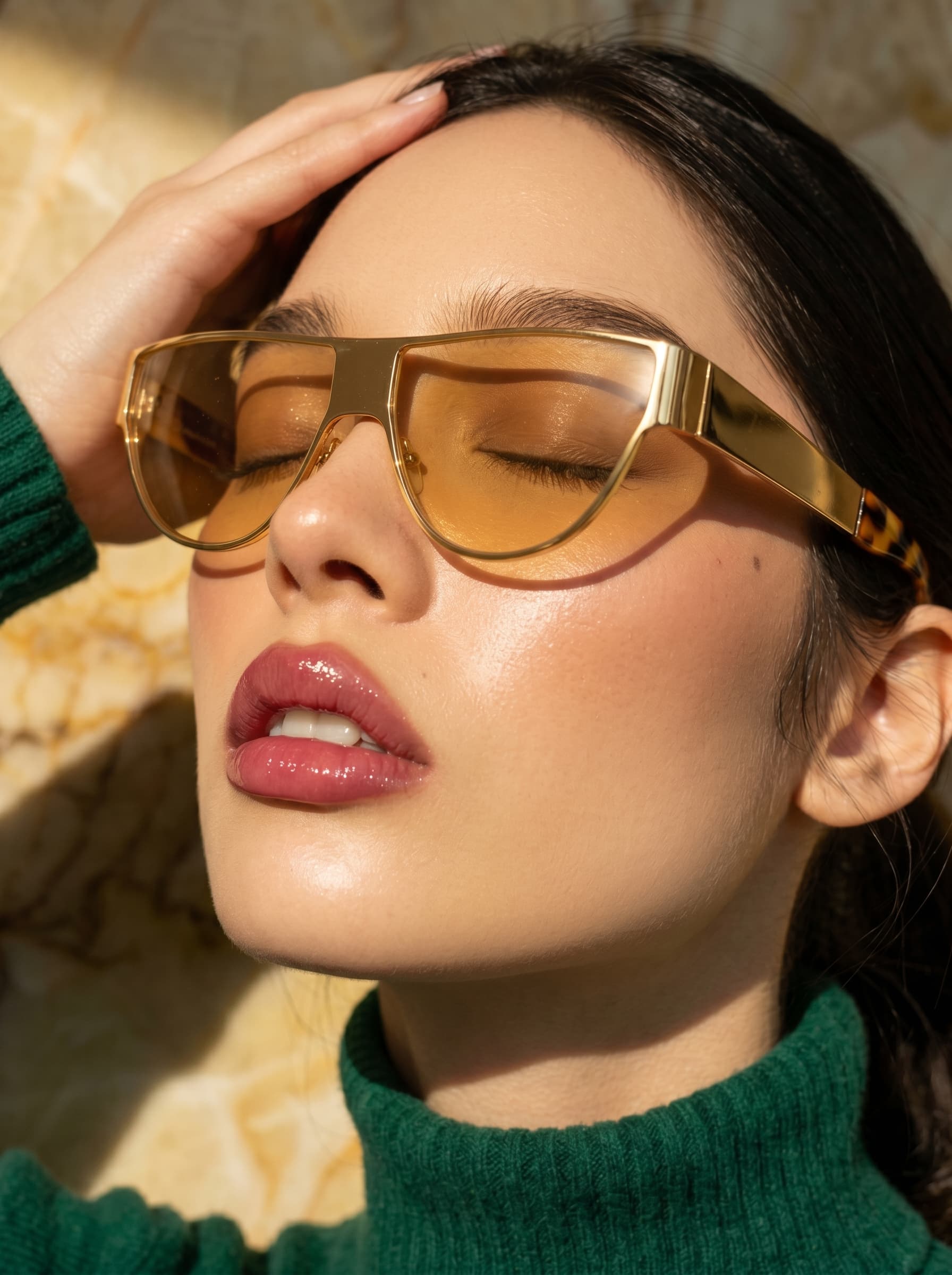
Good product photography used to mean a studio, a photographer, a light kit, and a reshoot every time you wanted a new angle or background. AI collapses that: from a single basic photo of your product — even one shot on a phone — you can generate clean studio shots, lifestyle scenes, and as many angles and backgrounds as you need. This is the workflow.
Why product photography is the bottleneck
For most ecommerce brands, the catalogue shoot is the slowest, priciest part of launching a product — and the moment you want a new background, a seasonal look, or a lifestyle context, you're booking another one. That cost is why most listings ship with two or three flat shots. AI removes the reshoot: one good base image becomes an unlimited set.
The AI product photography workflow
- Start from the product. Upload a clean photo of the actual item — phone-quality is fine, as long as the product is clearly visible. (You can also paste a store URL to pull the product in.) Starting from a real image is what makes the output your product, not a look-alike.
- Generate the studio shot. Place it on a clean seamless background with soft studio lighting — the hero image for a listing.
- Put it in context. Stage the same product in lifestyle scenes: on a marble counter, in a model's hands, in a styled flat-lay. This is where the best image models earn their keep — Nano Banana for natural edits, Flux for precise detail.
- Spin up angles and backgrounds. New colourways, seasonal backdrops, different surfaces — generated, not reshot.
- Finish it. Relight, remove or swap the background, expand the frame, and upscale for print — all without leaving the workspace.
The one rule: keep the product accurate
The thing that separates usable AI product shots from useless ones is consistency — the product has to look exactly like the real item in every image, down to the label and proportions. That's why you start from a real photo and lock it as the reference, the same discipline that keeps a character consistent across shots. Generate from a vague description instead and you'll get a plausible-but-wrong product that no customer would recognise — which is worse than no image at all.
Get the lock right and the rest is free: infinite contexts, one true product.
From product shot to product video
A strong product still isn't just for the listing — it's the starting frame for everything downstream. Animate it into a rotating hero shot, drop it into a UGC ad, or build a whole no-filming video ad around it. The image is the foundation; lock it once and reuse it everywhere. For the dedicated workflow, see AI product photography.
Frequently asked questions
Can AI really replace a product photo shoot? For most catalogue and lifestyle imagery, yes — from one good base photo you can generate studio shots, contexts, and angles without booking a studio. Complex hero campaigns may still want a real shoot.
Do I need a professional photo to start? No — a clear phone photo of the product works. What matters is that the product is visible and well-lit enough to use as the reference.
Will the product still look exactly like mine? If you start from a real photo and lock it as the reference, yes. Generating from a text description alone risks a look-alike — always anchor to the actual product.
How do I start? Open Bucksy, upload a photo of your product (or paste its store URL), and describe the shot you want — studio, lifestyle, or a new background.
Chinmay Goyal
Co-founder & CTO, Buckshot Studios
Chinmay builds the agent and model-orchestration stack behind Bucksy. He writes about the craft of AI video — prompting, picking the right model per shot, and keeping characters consistent across an entire piece.
Make it with Bucksy
Describe what you want. Bucksy plans the shots, writes the prompts, picks the model, and returns a finished piece — image, video, and audio from one chat.